
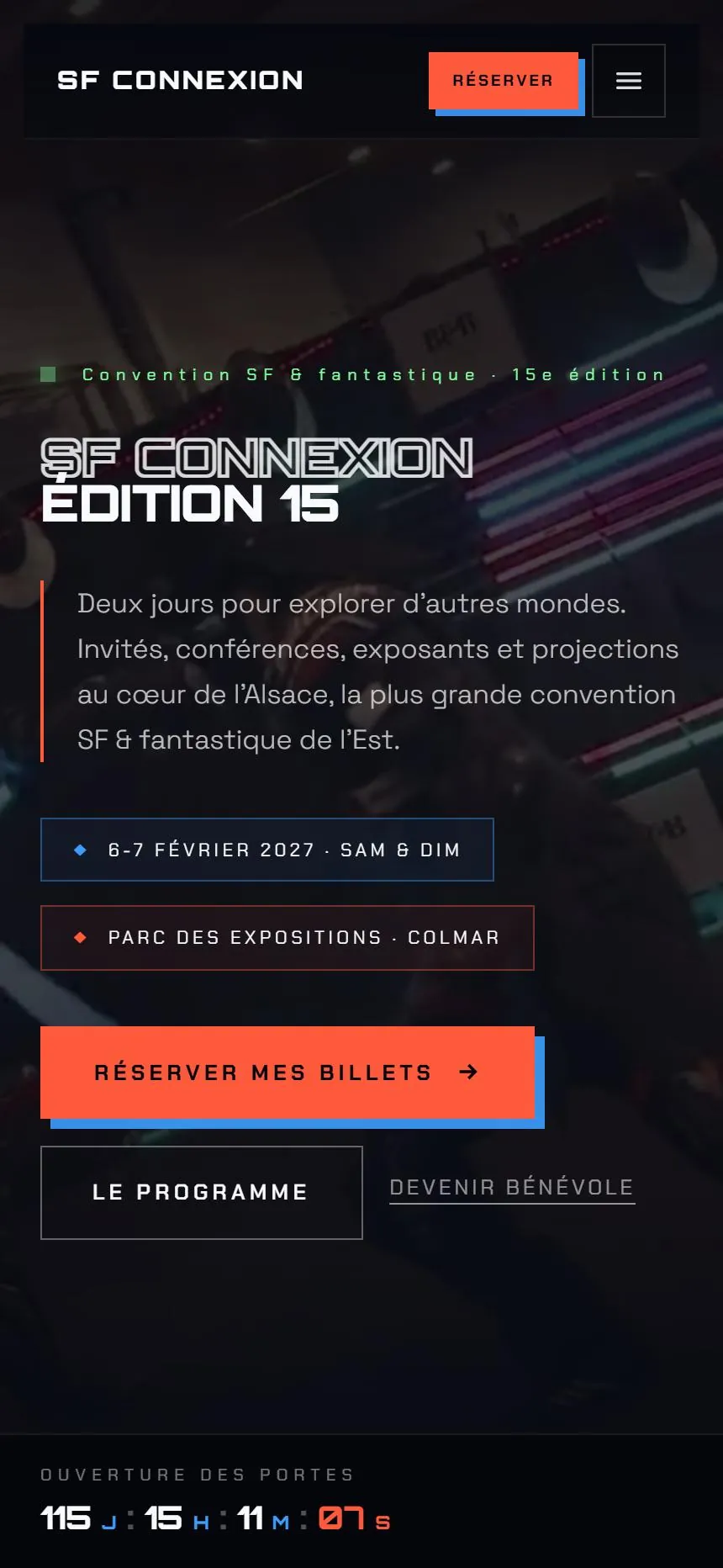
SF Connexion
The convention's public website and, behind it, the back office for the whole organization: exhibitors, volunteers, finances, content and support. Each team works in it with its own access.
 SF ConnexionBack office
- Dashboard
- Guests
- Program
- Exhibitors
- Partners
- News
- Public site
- Volunteers
- Cosplay
- Finances
- Support
- Guides
- Editions
- Accounts
- Settings
Active edition · SF Connexion 15 (2027)
Exhibitors
- OFOrion ForgeProfessional exhibitor · 10/13/2026 · Legal name: Orion Forge LLCNewPending
- NSNebula StudioAuthor / Illustrator / Maker · 10/11/2026 · Legal name: Nebula StudioUnder review
- 42Station 42Nonprofit / Collector · 10/09/2026 · Legal name: Station 42 AssociationAccepted
- PGThe Purple GrimoireAuthor / Illustrator / Maker · 10/07/2026 · Legal name: The Purple GrimoirePaid
- SBSaturn BurgerFood truck · 10/05/2026 · Legal name: Saturn Burger Inc.Accepted
- CGComics GalaxyProfessional exhibitor · 10/02/2026 · Legal name: Comics Galaxy LLCPaid
- CVCelestial VaultProfessional exhibitor · 09/30/2026 · Legal name: Celestial Vault LLCAccepted
- MDMecha DomeNonprofit / Collector · 09/28/2026 · Legal name: Mecha Dome AssociationPending
- 55management screens
- 8teams, each with its own access
- 30+emails sent by the platform
The need
Three forms, a tracking spreadsheet and reminders sent by hand, for nearly 200 exhibitors and about a hundred volunteers. The organization wanted a single tool where each team finds its own work, and where repetitive tasks take care of themselves.
What I built
Exhibitors
Online application with a booth estimate, application review, documents to approve, internal notes, booth number, then publication on the website.
Finances
Numbered invoices sent as PDFs, payments by check, bank transfer or cash, security deposits, due dates, reminders and exports.
Volunteers
Sign-ups, teams and roles, a schedule generated from everyone's availability and then fine-tuned by hand, meals, t-shirts, transportation and lodging.
Website content
Guests, program, partners, news and ticketing are updated from the back office. Guest itineraries come out in both French and English.
Dashboard
What's waiting for each person, sorted by urgency, with the right button: review, remind, send. Then each team's key numbers.
Access and support
Eight teams, each limited to its own modules. Sign-in with a code sent by email, no password. The team's requests land in my tracking tool.
An exhibitor application, from the website to the back office
- On the website
- Automatic
- In the back office
- On the website
The exhibitor picks a category and builds their booth. The estimate updates with every option.
- Automatic
They get a confirmation email. The exhibitor team gets an alert.
- In the back office
The application shows up at the top of the list, with the price already filled in from the estimate.
- In the back office
The team accepts it. The decision email goes out, and the exhibitor portal asks for the required documents.
- In the back office
The treasurer generates the invoice in one click. It goes out as a PDF, with its due date.
- Automatic
Reminders go out on their own. As soon as the booth is paid for, the application switches to “Paid.”
- In the back office
One click publishes the exhibitor on the website, with their booth number, if they've agreed to it.
What happens on its own
- Booth pricing is calculated while the form is being filled in, based on the organization's rate sheet.
- Every morning, due dates are checked: a reminder goes out a week before, then the day after the due date and every week until the invoice is paid.
- Missing or rejected documents are requested again every week.
- The volunteer schedule is generated from everyone's availability and preferences, without ever putting someone in two places at once.
- A week before the event, volunteers are asked to confirm they're coming.
- Three months after each edition, personal data is deleted.
After launch
The back office's support is wired to my own tool: a ticket opened by their team lands with me, and my reply comes straight back into their back office.
Under the hood
Figures counted in the project's code.
- 56database tables
- 116data access rules
- 59automated test files
- Next.js
- React
- TypeScript
- Supabase
- PostgreSQL
- Resend
- Vercel
What could run on its own in your business?
Tell me how you work. I'll tell you what software can take off your plate, and what it would cost.